Obsidian
Same palette, same readability — extended for Obsidian. Notes that make you want to use the markdown features and come back to read it later.
In context
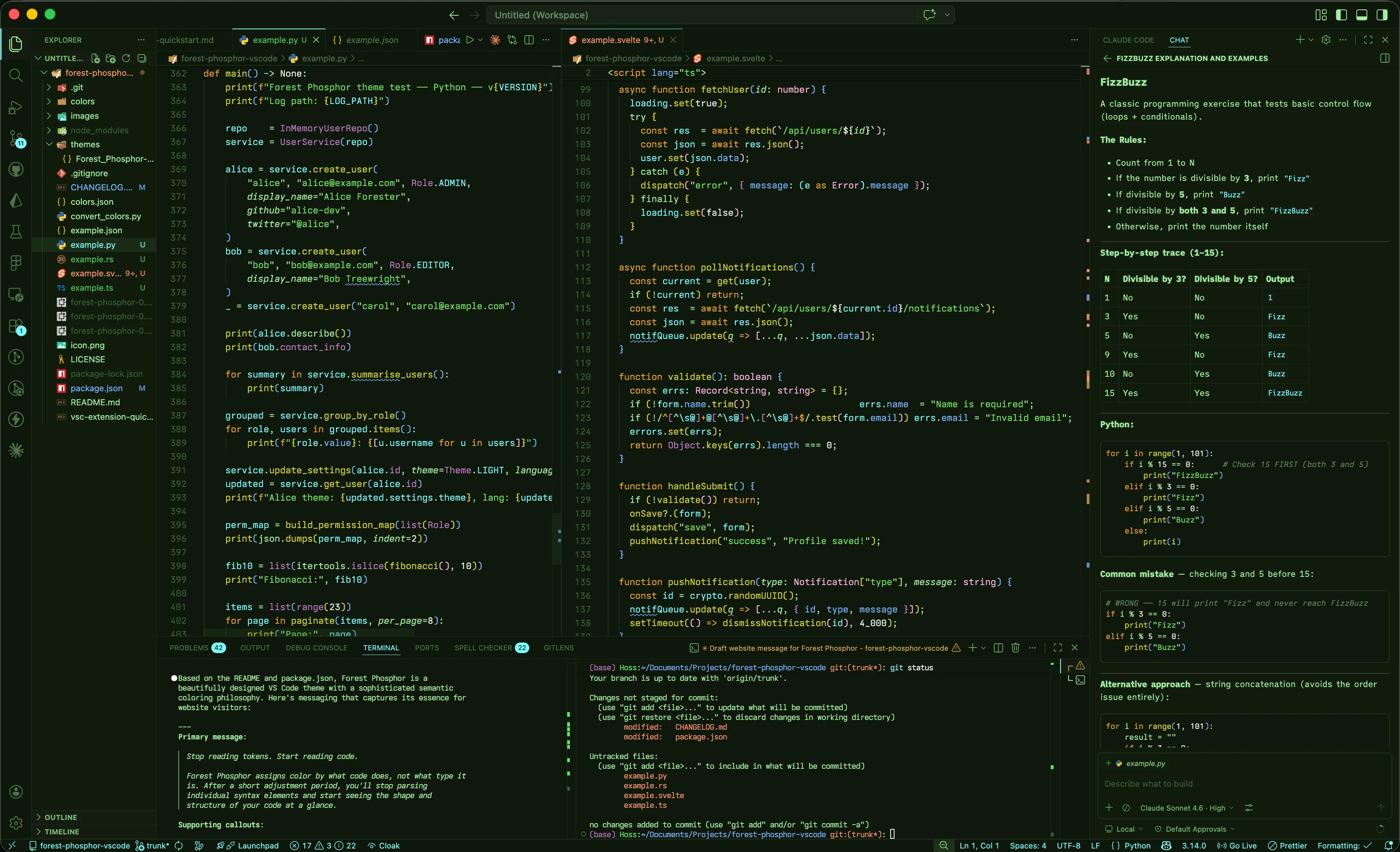
A vault open with the file explorer on the left, a note in reading mode in the center, and
the outline on the right — chrome surfaces sit at #0E170B, the note canvas
at #0F180C.
The variable layer
The snippet has two layers. First, a private --fp-* palette declared on body.theme-dark — these are the tokens the rest of the file references. Second, a remap of Obsidian's own CSS variables to those tokens, so most of the app and its plugins pick up the theme without targeted selectors.
Layer 1 · The private --fp-* palette
#0F180Cnote canvas, gutters, terminal-style surface
#0E170Btabs, ribbon, status bar — off-canvas chrome
#101C0Cfile explorer + form inputs
#131C10inline-code, blockquote, section headers
#1A2C16active list row, hover-then-click
#1E3119default panel + tab borders
#2E4A29hover state, input outline
#A2EBA1body text — design-system ink-primary
#7CBF78subtle labels, --text-muted
#4E7249inactive tabs, placeholders
#3D5E39line numbers, gutter glyphs
#7AF8FFsignature cyan — variables, headings 1-3, internal links, focus
#EA9575attention — **bold** prose, unresolved links, errors, this/throw
#77B0FFproperties, fields, info callouts, code-block property tokens
#328EEElegacy display-only link color (AA-large only)
#C07AC8concrete shapes — class, struct, enum, decorators, tip / important callouts
#FFB4E2abstract shapes — interface, type, generic, primitives, tags
#E8A030structural keywords — function, class, return, import, *italic* prose
#D1CF32callable — functions, methods, external links
#D4D256CSS-specific yellow — id/class selectors, question callouts
#E8F0E8literals — numbers, booleans, null, lifetimes, delimiters
#73E165string literals in code
#5C8656comments — italic, dimmer than ink-muted
#EA9575aliased to coral
#D4A24Agold — destructive actions, warning callouts
#5AE66Asuccess green (a hair cooler than green-string)
#77B0FFaliased to blue — info callouts, info-tone UI states
#DD7975desaturated coral — deprecated tokens, strikethrough
Layer 2 · Remapping Obsidian's variables
The "clean layer" — most of Obsidian (and any plugin that reads Obsidian's CSS vars) cascades correctly once these are remapped. Targeted selectors only appear where the variable layer can't reach.
| Obsidian variable | Maps to | Note |
|---|---|---|
--background-primary | --fp-bg-editor | note body canvas |
--background-secondary | --fp-bg-sidebar | sidebar column |
--background-secondary-alt | --fp-bg-chrome | chrome surfaces |
--background-modifier-border-focus | --fp-phosphor | cyan focus ring |
--text-normal | --fp-fg-primary | body text |
--text-muted | --fp-fg-heading | Obsidian's "muted" maps to the brighter heading-green |
--text-faint | --fp-fg-muted | placeholders, inactive labels |
--text-accent | --fp-phosphor | cyan signature |
--interactive-accent | --fp-phosphor | primary buttons, switches |
--link-color | --fp-phosphor | base link var — Obsidian reads this for internal links (cyan); external links are overridden separately by --link-external-color |
--link-external-color | --fp-yellow-fn | external links share the callable role |
--link-unresolved-color | --fp-coral | broken / new internal links — coral attention, 75% opacity |
--h1-color … --h3-color | --fp-phosphor | top three heading levels are cyan |
--h4-color … --h5-color | --fp-fg-heading | subordinate headings step down to heading-green |
--h6-color | --fp-fg-muted | lowest level fades to muted |
--tag-color | --fp-orchid | tags are abstract — orchid pink, like an interface or generic |
--code-keyword | --fp-amber | structural keywords — function, class, return, import |
--code-function | --fp-yellow-fn | callable — functions and methods |
--code-property | --fp-blue | object keys, fields, attributes |
--code-value | --fp-white | literal values — numbers, booleans, null |
--code-tag | --fp-amber | HTML tags — structural, like function |
--code-imports | --fp-amber | import statements — structural |
--code-string | --fp-green-string | string literals in code blocks — bright green |
--code-comment | --fp-green-comment | comments — darker italic green, distinct from string literals |
--code-important | --fp-coral | !important / error-weight tokens — coral attention |
--bold-color | --fp-coral | **bold** prose carries attention weight |
--italic-color | --fp-amber | *italic* prose maps to the structural accent |
--blockquote-border-color | --fp-phosphor | blockquote left rule |
Markdown elements
Both edit-mode CodeMirror classes (.cm-strong, .cm-em, .cm-link…) and read-mode .markdown-rendered selectors are styled together, so the colors don't shift when
you toggle preview.
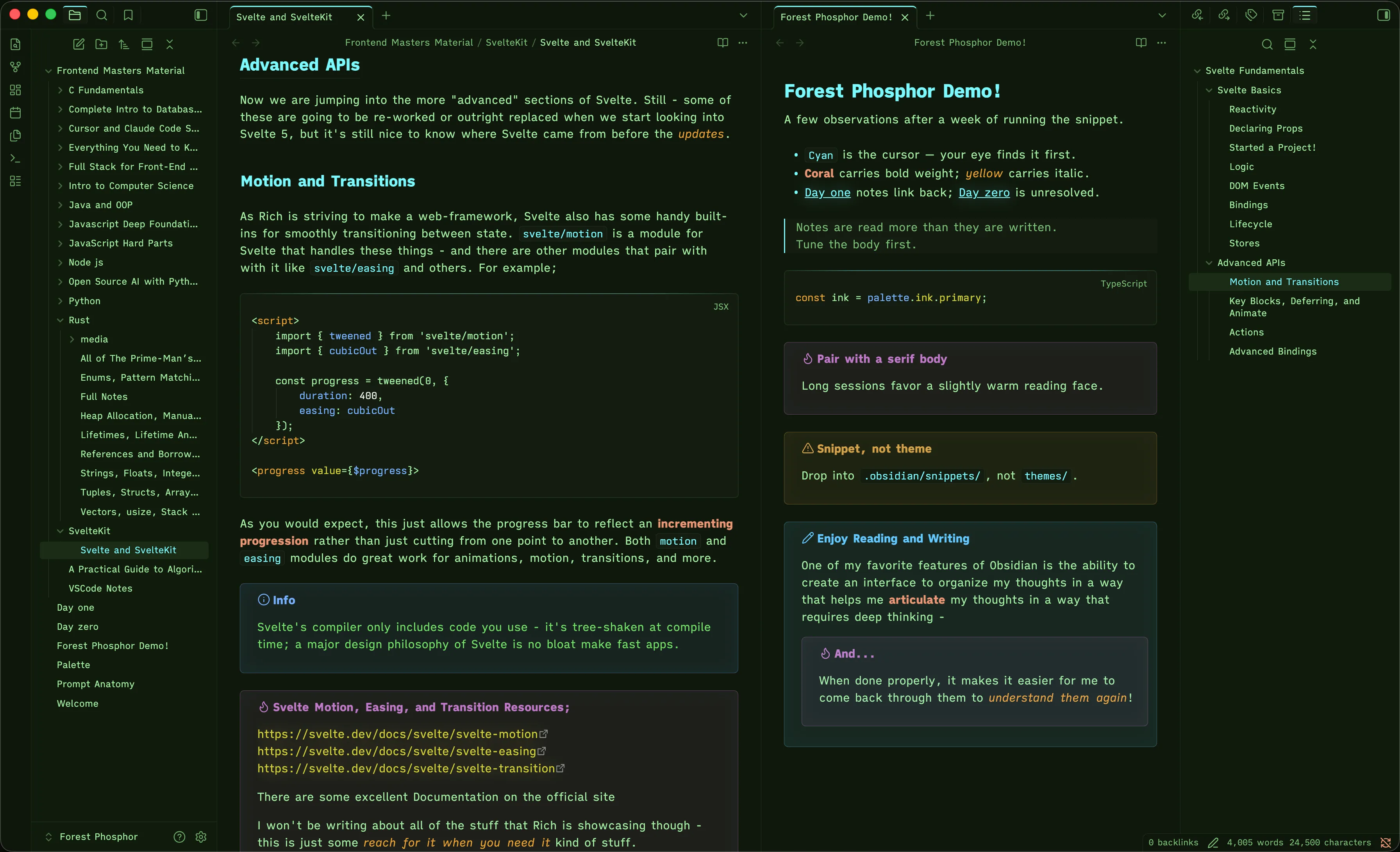
# Phosphor field notes

A few observations after a week of running the snippet.

- Cyan is the cursor — your eye finds it first.
- **Coral** carries bold weight; *amber* carries italic.
- [[Day one]] notes link back; [[Day zero]] is unresolved.

> Notes are read more than they are written.
> Tune the body first.

```ts
const ink = palette.ink.primary;
```

> [!tip] Pair with a serif body
> Long sessions favor a slightly warm reading face.

> [!warning] Snippet, not theme
> Drop into `.obsidian/snippets/`, not `themes/`.

>[!note] Enjoy Reading and Writing
>One of my favorite features of Obsidian is the ability to create an
>interface to organize my thoughts in a way that helps me
>__articulate__ my thoughts in a way that requires deep thinking -
>>[!tip] And...
>>When done properly, it makes it easier for me to come back through
>>them to *understand them again*!| Element | Color | Selector |
|---|---|---|
h1 / h2 / h3 | #7AF8FF | .cm-header-1, .markdown-rendered h1 |
h4 / h5 | #7CBF78 | .cm-header-4, .markdown-rendered h4 |
h6 | #4E7249 | .cm-header-6, .markdown-rendered h6 |
**bold** | #EA9575 | .cm-strong, .markdown-rendered strong |
*italic* | #E8A030 | .cm-em, .markdown-rendered em |
inline `code` | #7AF8FF | .cm-inline-code, code:not(pre code) |
#tag | #FFB4E2 | .cm-hashtag, .tag |
> blockquote | #7CBF78 | .markdown-rendered blockquote |
[external](…) | #D1CF32 | .cm-link, a.external-link |
[[wikilink]] | #7AF8FF | .internal-link, .cm-hmd-internal-link |
[[broken]] | #EA9575 | .internal-link.is-unresolved |
- list / 1. ordered | #7AF8FF | .markdown-rendered li::marker |
| table | | #7AF8FF | .markdown-rendered th |
Fenced code blocks
Obsidian uses Prism.js, which has coarser scopes than the VS Code TextMate grammar — a few distinctions collapse, but the visually important mappings are preserved or compensated for. Fenced blocks share the same --fp-bg-elevated (#131C10) surface as inline code; the structural differences are a 6px radius and 1em padding instead of inline's 4px radius and tight em-padding.
// note #5C8656 darker than --text-muted, italicized
function #E8A030 amber — structural: function, class, return, import, CSS @-rules
=> #A2EBA1 foreground — operators read with the language flow
{ } ; #A2EBA1 foreground — brackets, semicolons, commas should not shout
"phosphor" #73E165 string literals, attr values, regex bodies
42 true #E8F0E8 near-white — literal data values
PHOSPHOR #7AF8FF cyan — named constants and macro symbols
render() #D1CF32 yellow — callable: declarations and calls share the role
console #7AF8FF cyan — built-in objects/functions group with variables
class Palette #C07AC8 magenta — concrete shapes you instantiate
interface User #FFB4E2 orchid — abstract shapes: interface, type alias, generic
fp.ink #77B0FF blue — object keys, fields, HTML attrs
<section> #E8A030 amber — HTML tags are structural, like function
userId #7AF8FF cyan — what is this thing
depth #A2EBA1 foreground italic — labels for incoming values, read with the language
@inject #C07AC8 magenta italic — concrete attached metadata
.is-active #D4D256 CSS-specific yellow — id and class selectors
:hover #FFB4E2 orchid italic — abstract contract on a selector
#7AF8FF #E8F0E8 white — literal value, like a number
+ added #5AE66A diff +
- removed #D4A24A diff − — gold, never red
oldFn #EA9575 coral — invalid underlined, deprecated strikethrough
Callout colors
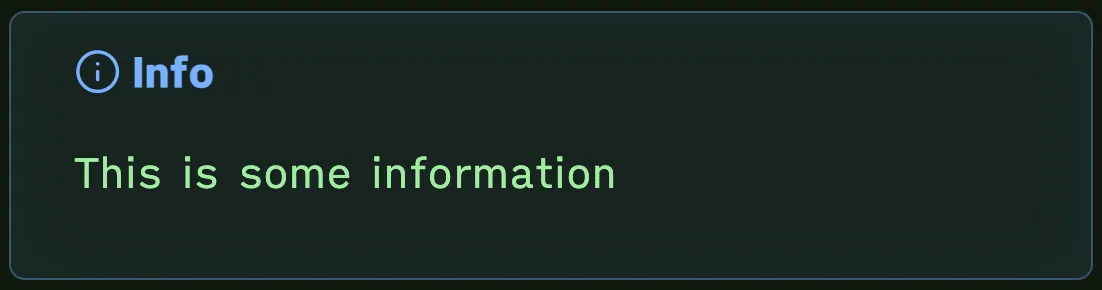
Forest Phosphor groups Obsidian's built-in callout types into 9 color families, one
palette color each. Every family derives four surfaces from a single color. From a
chosen hex, we derive a --callout-color: R, G, B triplet. The label is the raw hex equivalent at
full opacity, the background tints at rgba(…, 0.08), the border firms up at rgba(…, 0.35), and an inset glow blooms at rgba(…, 0.04). One source, four layers.
#64C8FF -> 100, 200, 255bluer phosphor — separates from code surfaces
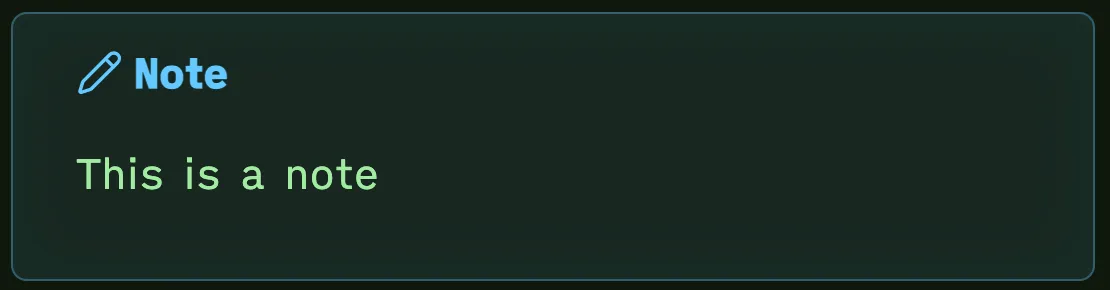
#77B0FF -> 119, 176, 255function-blue — generic context
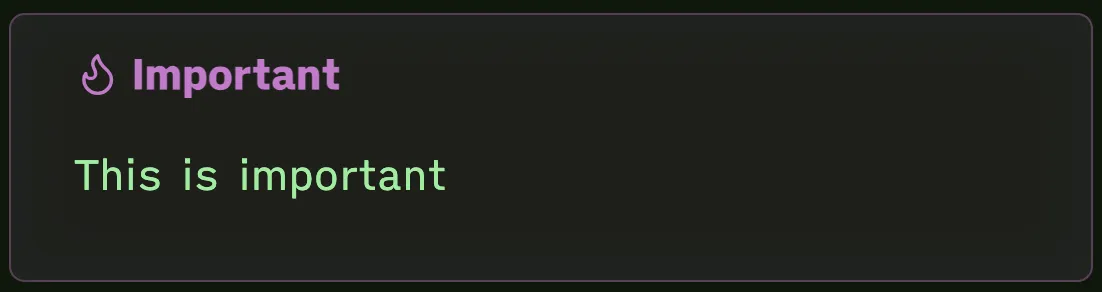
#C07AC8 -> 192, 122, 200magenta — recommendations, key takeaways
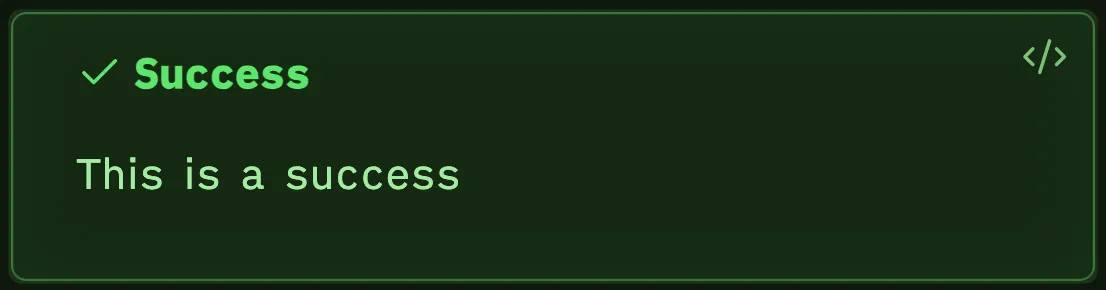
#5AE66A -> 90, 230, 106success-green — completed items
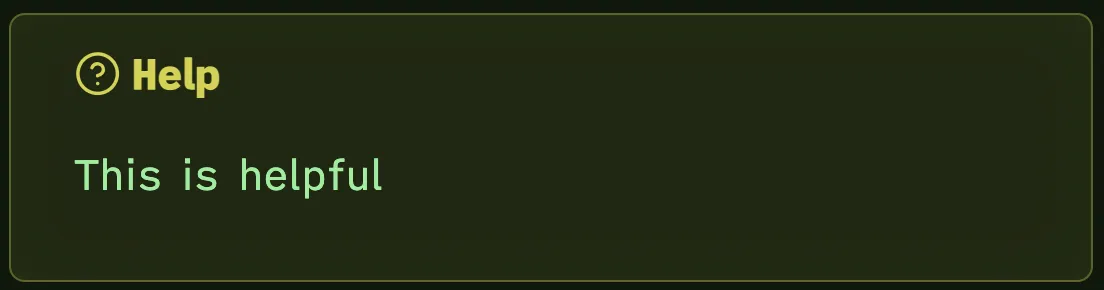
#D4D256 -> 212, 210, 86yellow — open questions
#D4A24A -> 212, 162, 74gold — non-blocking caveats
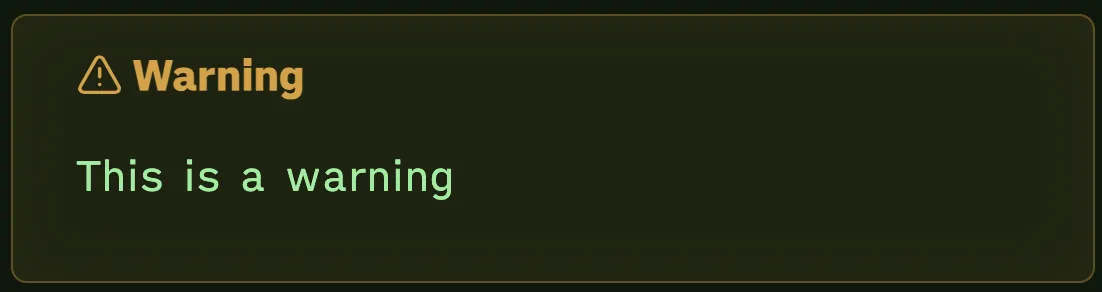
#EA9575 -> 234, 149, 117coral — breaking, errors, bugs
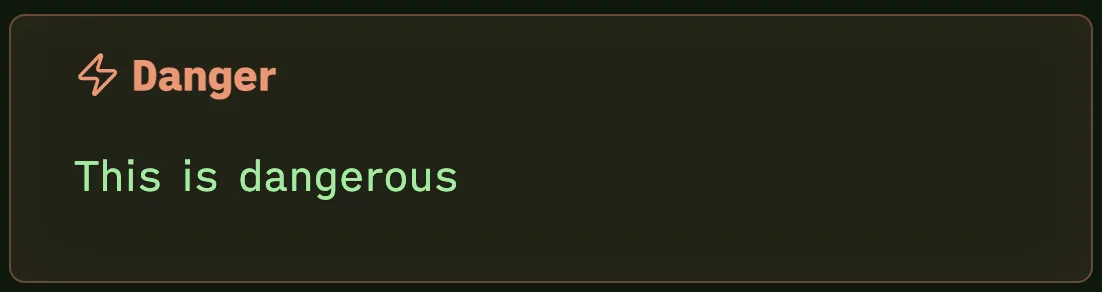
#C07AC8 -> 192, 122, 200magenta — same family as tip / important
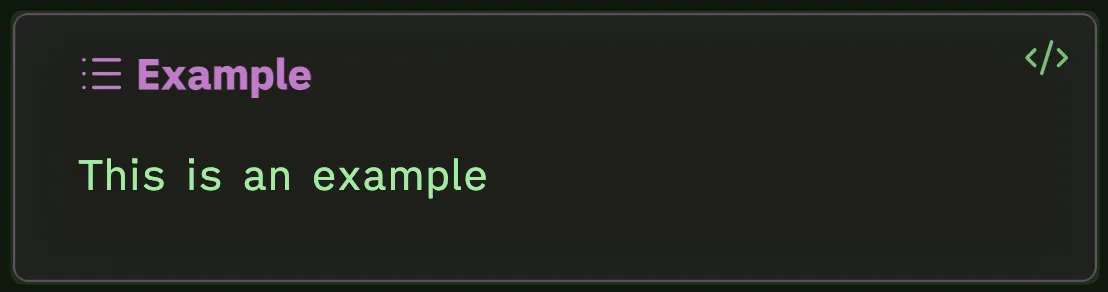
#7CBF78 -> 124, 191, 120heading-green italic — blends with blockquotes
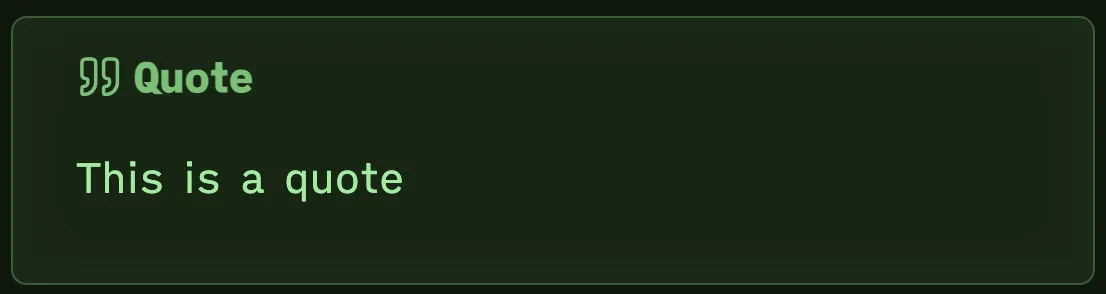
UI chrome
Three workbench surfaces, each painted directly because Obsidian’s variable layer doesn’t reach them.
#0E170B tabs, ribbon, status bar strip
#0F180C note canvas, active tab bg
#101C0C file explorer, side splits
#131C10 hover state, caret line bg
#1A2C16 active file row, click target
#7CBF78 idle ribbon icons, secondary labels
#7AF8FF active tab border-top, active file text, status bar main text
#7AF8FF80 phosphor @ 50% — focus ring on modals and inputs
#FFFFFF pure white — only non-palette accent in the theme
#4A7ACC #4A7ACC40 — cool blue selection highlight
Install
Two ways to install Forest Phosphor in Obsidian. The community theme is the easiest path; the CSS snippet stays available for personal customizations or for layering on top of another base theme.
Method 1 · Obsidian Community Theme
The recommended path. Forest Phosphor was approved in the Obsidian Community theme directory — install it from the in-app theme browser, or open the listing directly below.
Method 2 · CSS Snippet
Below, you can download the raw ForestPhosphor.css file. This installs as a CSS snippet, not as a community theme. It lives in .obsidian/snippets/ and toggles on alongside whatever base theme
you're running. Use the default Obsidian theme with this snippet to get the intended look
and feel; it has not been tested with any other base theme and may have conflicts or visual bugs if you layer it on top of something with heavy overrides.
# 1. Find your vault path. Then:
cd "/path/to/your-vault/.obsidian/snippets"

# 2. Drop the snippet in (mkdir -p first if snippets/ doesn't exist yet)
mkdir -p .
curl -O https://raw.githubusercontent.com/Steven-Theuerl/forest-phosphor-obsidian/refs/heads/trunk/ForestPhosphor.css

# 3. In Obsidian:
#    Settings → Appearance → CSS snippets → reload (refresh icon)
#    → toggle "ForestPhosphor" on

# 4. Make sure base appearance is dark
#    Settings → Appearance → Base color scheme → Dark
Where to find .obsidian/snippets/: it's hidden inside your vault folder. On macOS you can press Cmd-Shift-. in Finder to reveal dot-folders, or use the path bar in any
terminal. Obsidian itself will mkdir the snippets folder the first time you open Appearance → CSS snippets.
Tips & troubleshooting
The snippet does not set fonts. Pick yours under Obsidian → Settings → Appearance. Two free and recommended pairing fonts match the iTerm profile — Ioskeley-Mono for code, and iA Writer Quattro for all body content outside of codeblocks; but of course, use whatever you like.